Pull & push
Syncing with a remote, both directions.
There's no separate fetch button anywhere in GitRoot. Pull already fetches and merges in one click, so this page covers both directions with two buttons.
Pull
-
Click pull in the left command bar. Nothing to configure first.
-
The result lands in the "what happened" panel on the right, in plain language, with the exact git command it ran shown underneath.
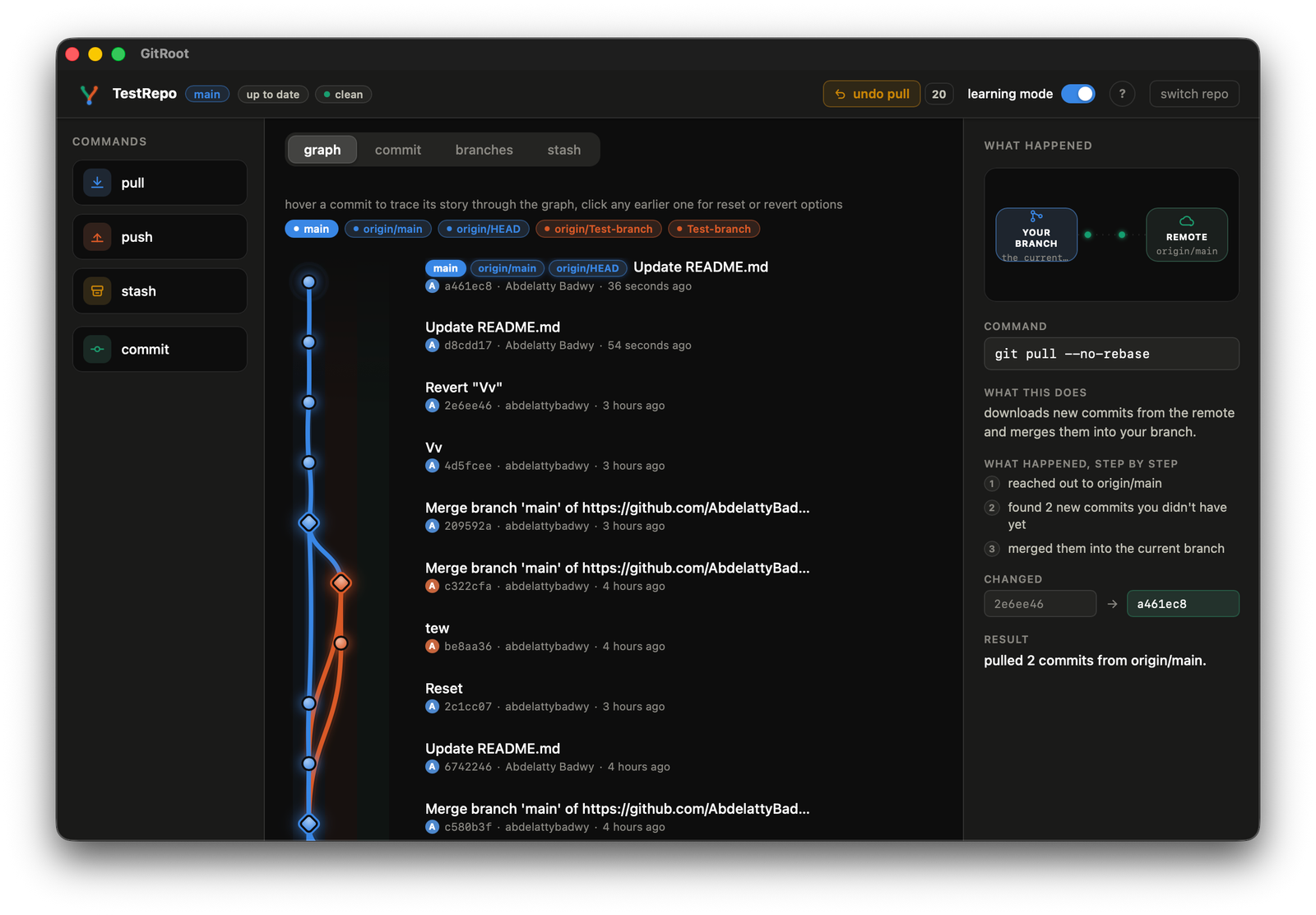
"pulled 2 commits from origin/main."
-
If the merge can't finish automatically, a conflict dialog opens on its own, covered step by step on the branches page.
Push
-
Click push. Result shown the same way in the details panel.
"pushed 2 commits to origin/main."
-
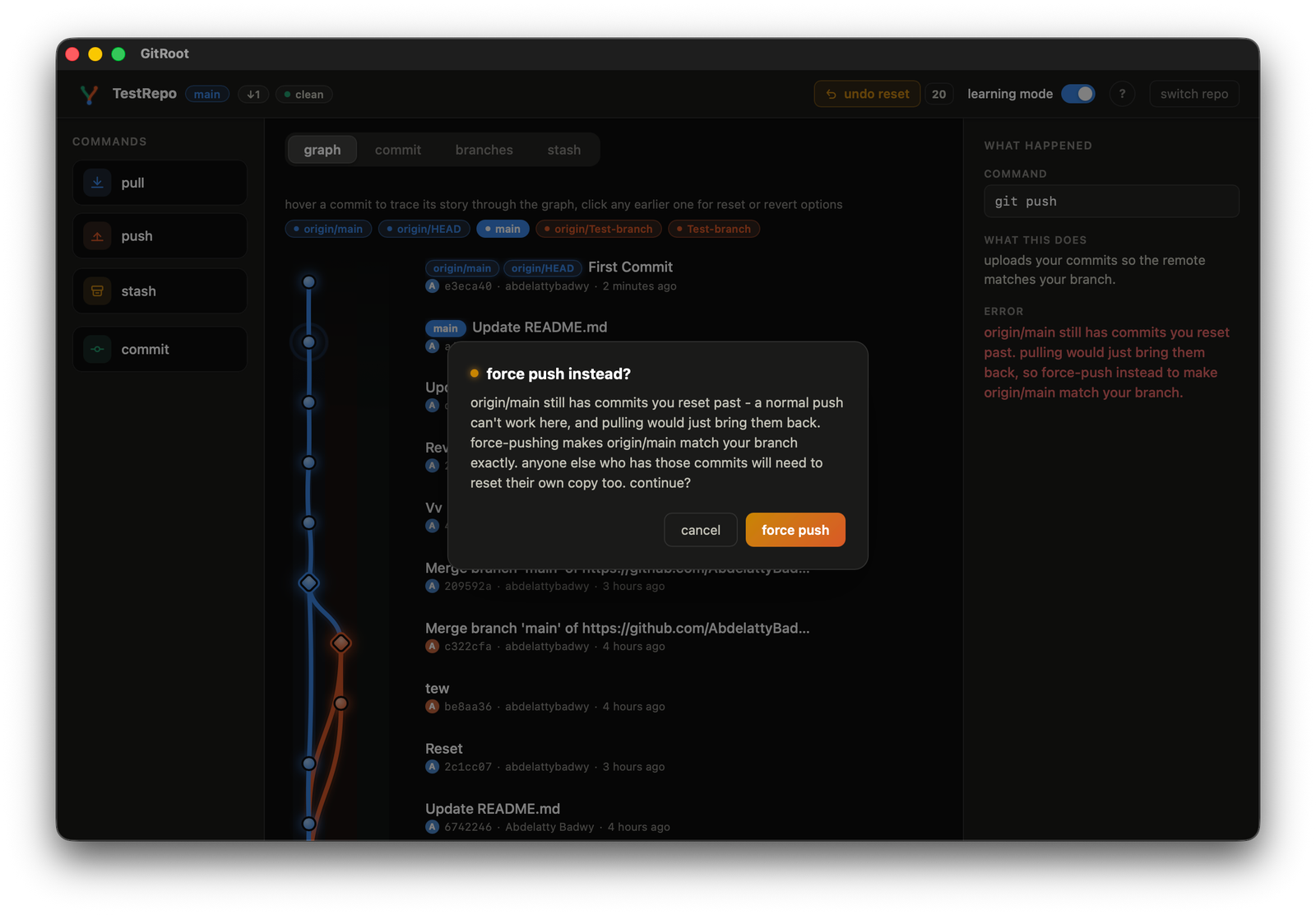
If it's rejected, you'll see one of two different messages, never a raw git error:
- someone else pushed first: told to pull, then push again
- you reset your branch past commits still on the remote: a force-push option appears instead, with its own confirm dialog, since pulling here would just bring those commits right back