Rebase
Replaying your branch's commits onto a new base, and the one extra warning GitRoot adds that merge doesn't need.
-
Branches tab → pick a branch in the rebase picker → click rebase.
-
If any of the commits about to be replayed are already pushed, GitRoot stops you here first: rebasing rewrites history, which causes real problems for anyone who's already pulled those commits.
-
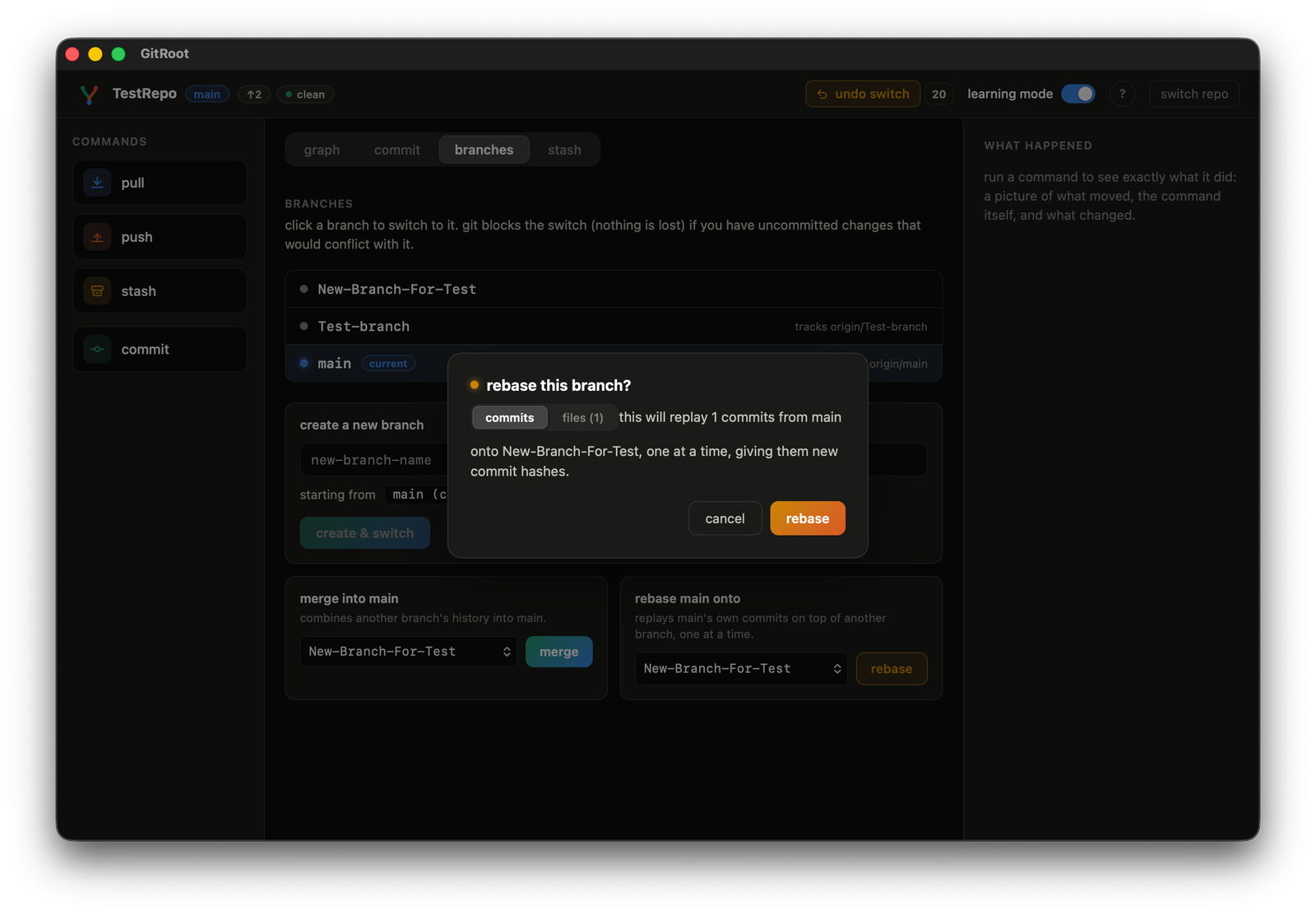
Confirm through the warning (only if you understand the risk) to see the plan.
"this will replay 2 commits from your-branch onto main, one at a time, giving them new commit hashes."
-
It replays one commit at a time, showing live progress.
"resolving commit 1 of 2..."
-
A conflict opens the same shared conflict dialog used by merge and revert.