Features
What actually makes GitRoot different, beyond running the commands you already reach for.
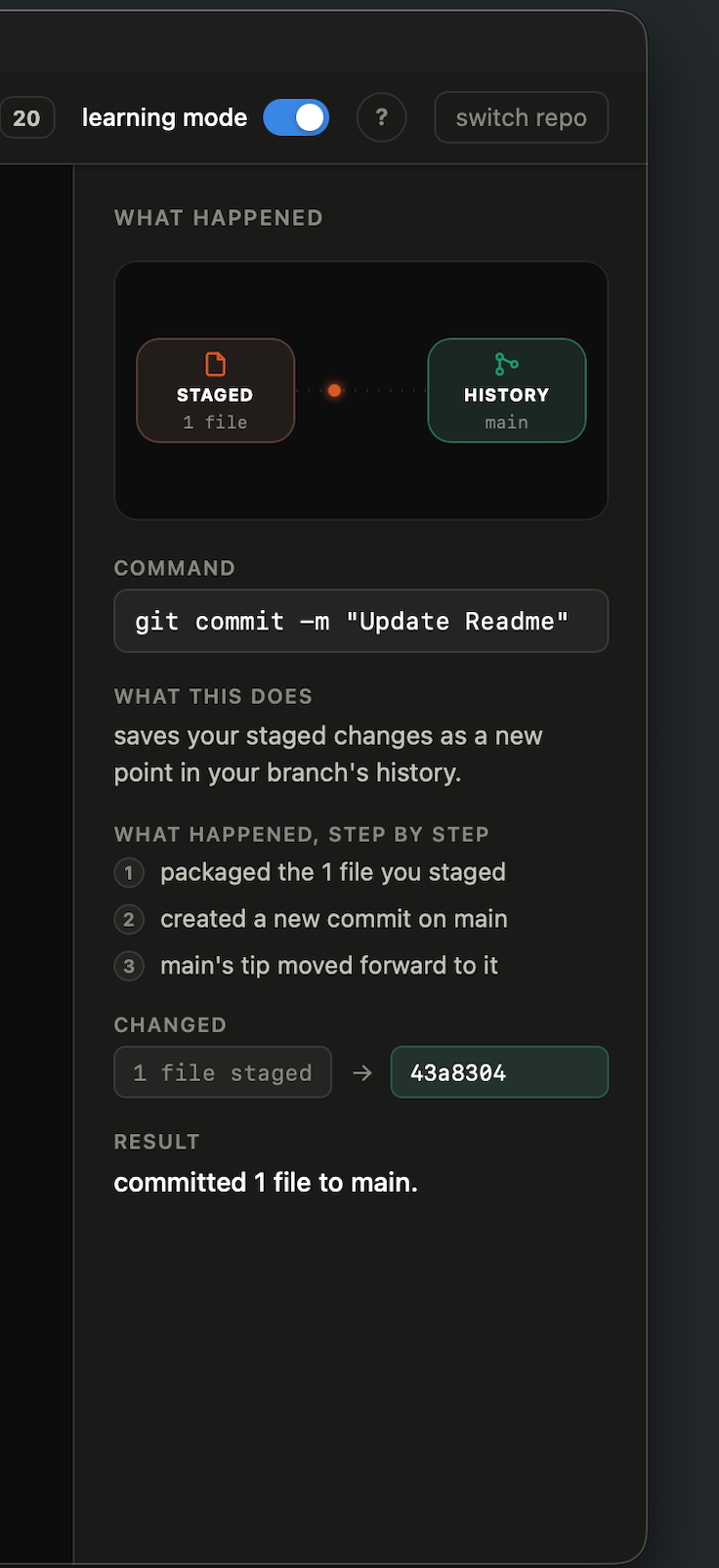
Plain-language explanations
After every command, the "what happened" panel on the right explains the result in plain language, not raw git output, plus the exact git command GitRoot ran underneath it. Nothing runs behind your back.
"pulled 3 commits from origin/main."
A commit graph that's actually alive
The graph tab isn't a static log. Commits animate in, merges visibly join two lines, branches move as your repo changes, so there's something worth watching, not just squinting at.
Safe moves run. Risky ones ask first.
Everyday commands (pull, push, commit, stash) run immediately, then explain themselves. Anything that can lose work (a hard reset, a force push) stops and shows you exactly what you'd lose, with a real confirm step, before it touches anything.
Learning mode
A toggle in the top bar, next to the undo button. Turn it on and hovering over any command button shows a tooltip explaining what that button does, before you click it. Useful while you're still learning your way around; turn it off once the buttons feel familiar.
Undo last action
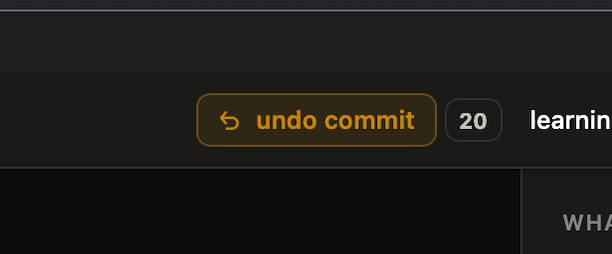
The top bar also has an undo button that always names the specific thing it would undo (undo push, undo stash, undo new branch, and so on), next to a counter showing how much undo history GitRoot is keeping. Click it to reverse exactly your most recent action, no need to remember which raw git command would do it.
The guided tour
Offered on first launch, walks through pull, push, stash, undo, staging, branches, merge, rebase, conflicts, and learning mode, live against a demo repo. Dismiss it and come back to it later from the header whenever you want a refresher.