Getting started
Opening your first repo and making your first commit.
-
Download GitRoot for your OS and install it.
-
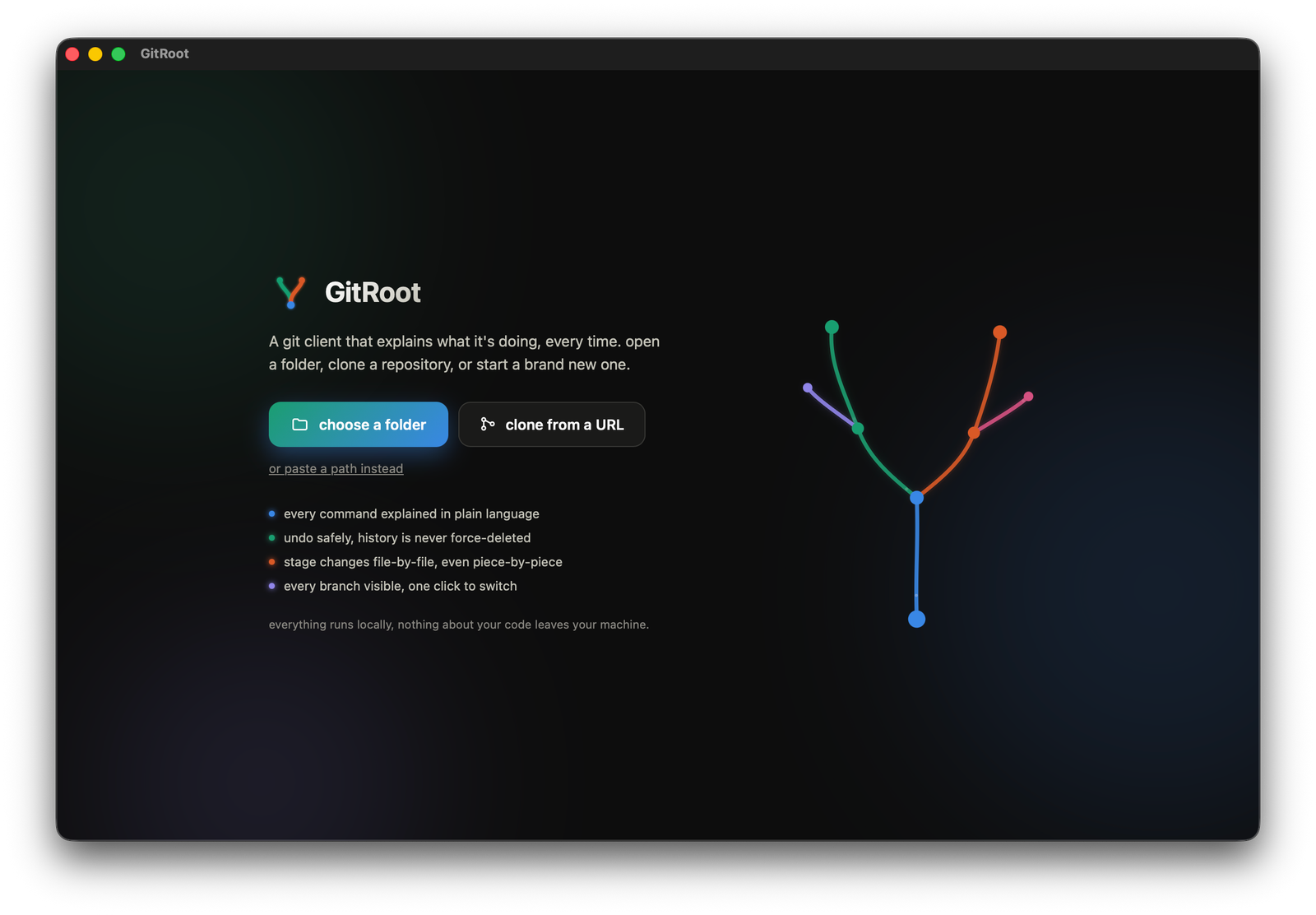
Launch GitRoot. The landing screen offers three starting points: open a folder, clone a repository, or start a brand new one.
-
Pick one. Cloning asks for a URL and a destination folder; starting fresh asks for a folder and, optionally, a remote URL to link right away.
-
You land on the main window: four tabs across the top, graph, commit, branches, stash, and a one-click command bar on the left with pull, push, stash, commit.
-bceaf5e128fb4b03dc30357c58a00275.png)
-
If git doesn't know your name and email yet, a banner appears the first time you open the commit tab, asking for both. This is just what git puts on commits, not a login.
-
First launch also offers a guided tour that walks every command live against a demo repo. Click take the tour, or dismiss it and come back to it later from the header.
-
To make your first commit: click the commit tab, check the box next to a changed file, type a message, click commit.
Where to next
- Features: learning mode, undo, and the rest of what makes GitRoot different
- Pull & push
- Commit & staging
- Branches, Merge, Rebase
- Reset and revert